
Version 5.9
Add a line item. There are five ways to add line items:
Click on the item in the Item Details section of the screen.
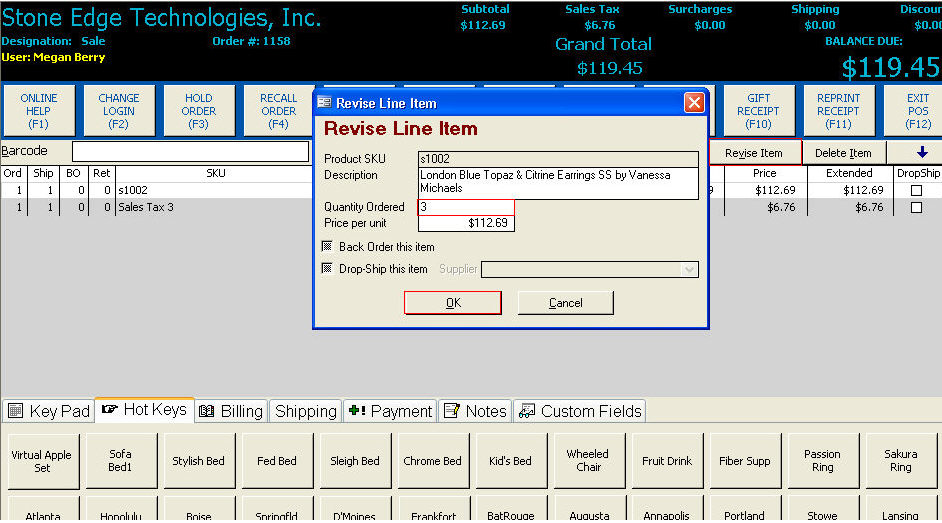
Click on the Revise Item button.
Change the Quantity Ordered.
Click OK.
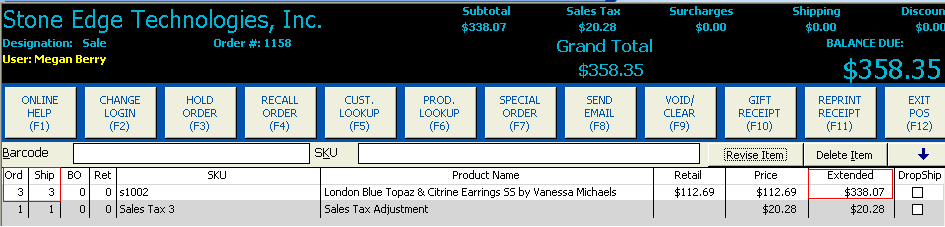
The program displays the quantity ordered, the quantity shipped and the extended price:
Complete the transaction.
Created: 1/20/12
Go to Top